OS Image update
Info! The device provides an A/B update mechanism for the device software. The inactive partition is updated in the background and only becomes active after the automatic restart.
This does not apply to the bootloader. Particular attention must be paid here to a safe power supply.
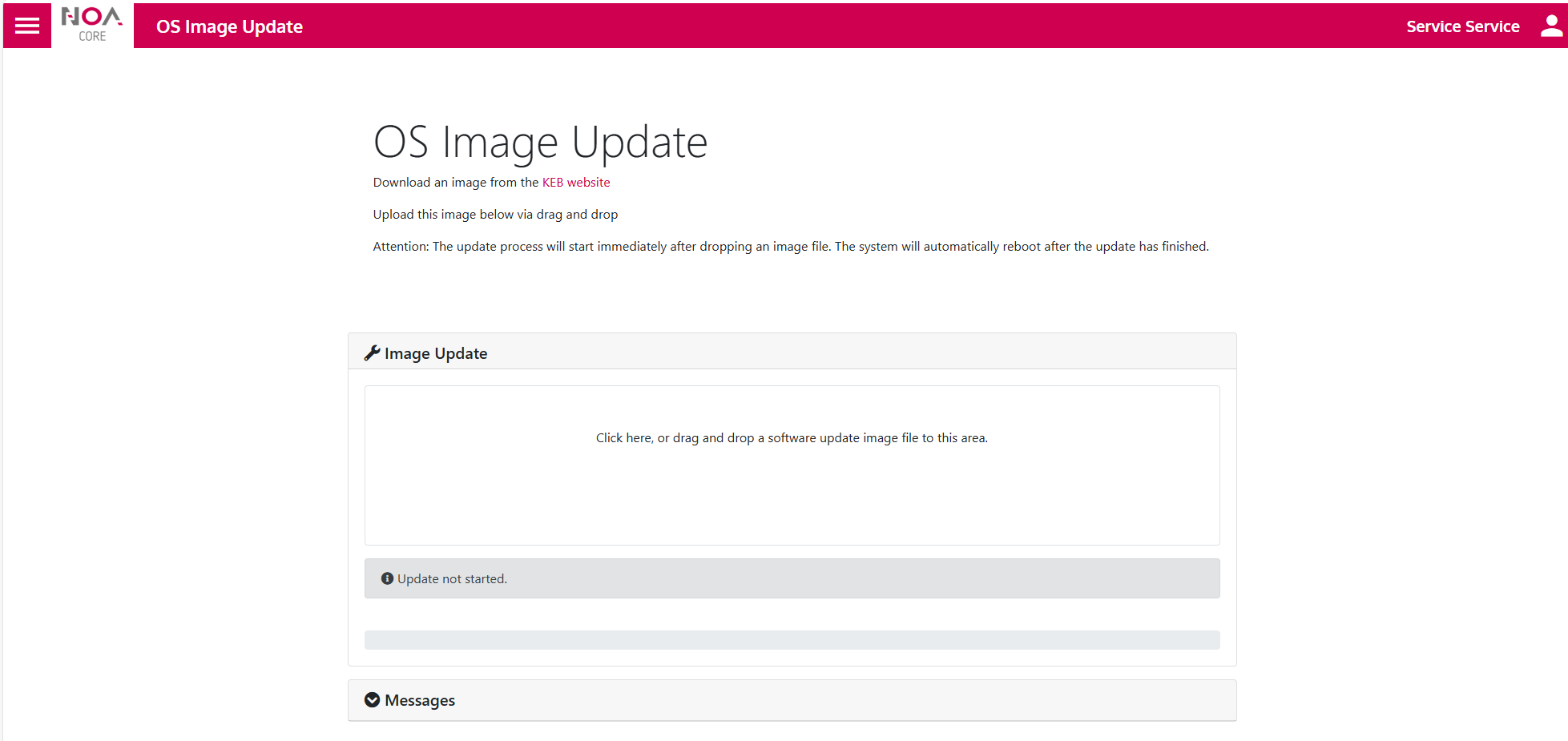
- After unzipping the zip file, two files are available for the update:
keb-base-image-debian-bookworm-compact-v3-xxxxx.swu
keb-base-image-debian-bookworm-compact-v3-u-boot-xxxxx.swu - To start the update, first drag the device update bundle (.swu) with the suffix "u-boot" into the designated area.
- The update starts immediately after the device update bundle has been stored.
- After the update is complete, the system automatically reboots.
- Then repeat the process with the second file.